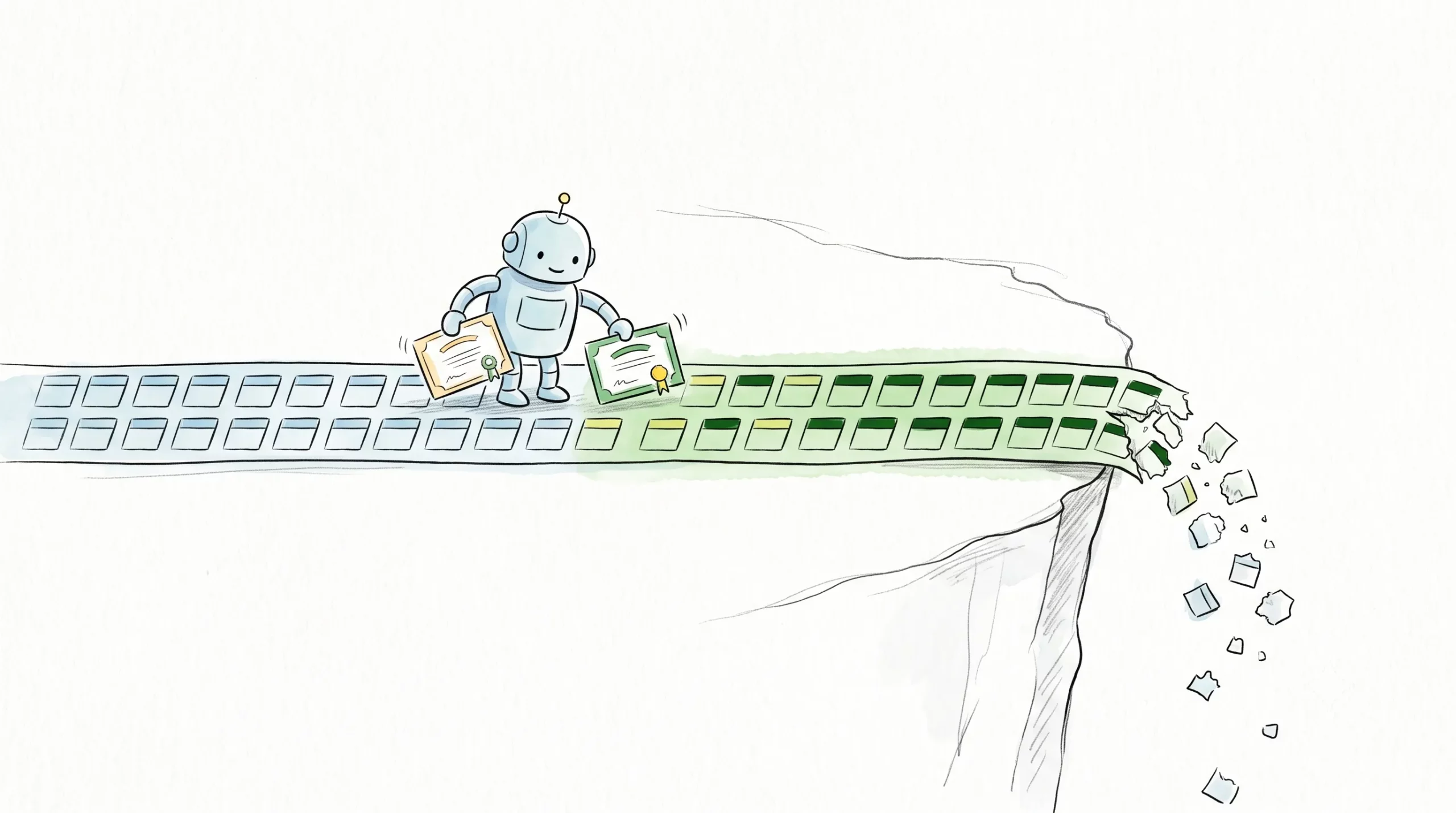
We’re now offering AutoInstall SSL™, a server agent that installs and renews SSL certificates without you touching them.
Setup is two commands. The first installs the agent and takes about a minute. The second uses the token from your purchase to trigger the certificate install. From there the agent generates the CSR, keeps the private key on your server, handles domain validation, installs the certificate on Apache, NGINX, or IIS, and checks that the installation actually worked.
Then it stays running and looks at your certificate every day.
Why We Added It
Certificate lifespans are shrinking on a fixed schedule. The cap fell to 200 days in March 2026, drops to 100 in March 2027, and hits 47 in March 2029. We’ve written about what that schedule means for your infrastructure in more detail.
The consequence is arithmetic. A renewal you handled once a year becomes twice a year, then four times, then roughly eight. And the failure mode is public: an expired certificate throws a full-page browser warning, and most visitors leave rather than click through it.
The 28-Day Buffer
This is the part worth paying attention to, and it’s the reason we picked this agent.
When the certificate is 28 days from expiring, the agent renews and reinstalls it. That four-week margin is what separates automation you can trust from automation you can’t. Renewal that fires on the last valid day has no room to fail. If domain validation hiccups, or the CA is slow, or a config change broke something quietly three weeks ago, you find out from a customer.
Four weeks of retry room turns a failed renewal into a thing you fix on a Tuesday instead of an outage.
Where It Runs
Linux (Ubuntu, Debian, CentOS) with Apache or NGINX, and Windows Server 2016 through 2025 with IIS. It also runs on AWS EC2, Azure VMs, GCP Compute, and DigitalOcean droplets. You’ll need root or administrator access.
Where It Doesn’t
Worth stating plainly, because it rules out a lot of people.
The agent needs server-level access, so it can’t run on shared hosting, on cPanel or Plesk, or on website builders like Wix, Shopify, and Squarespace. If that’s your setup, the platform already handles installation for you and a standard SSL certificate is the better purchase.
It also covers domain-validated certificates only, single-domain or wildcard. No multi-domain (SAN) certificates, no OV, no EV.
If You’re Already Running Certbot
Keep running Certbot. It’s free, it works, and for pure automation it does the same job. We’ve looked at the manual versus automated tradeoff on its own terms elsewhere.
What the AutoInstall bundles add is everything around the certificate rather than the renewal itself: a warranty (up to $500,000 on the GeoTrust options), a CA-issued site seal for checkout and signup pages, 24/7 support, and a RapidSSL or GeoTrust certificate instead of a free one. If none of those matter to you, Certbot is the right answer, and we’d rather tell you that than sell you something you don’t need.
Pricing
Four bundles, each pairing a certificate with the agent. They start at $23/yr for RapidSSL Standard and run to $285/yr for GeoTrust QuickSSL Premium Wildcard, with single-domain and wildcard options in between.
If you already have a certificate from another provider, you don’t need to wait for it to expire. The bundle includes a new one, and the agent manages every renewal after that. Our 25-day refund policy applies if your environment turns out not to be a fit.
Economize 10% em certificados SSL ao fazer seu pedido hoje!
Emissão rápida, criptografia forte, 99,99% de confiança no navegador, suporte dedicado e garantia de reembolso de 25 dias. Código do cupom: SAVE10