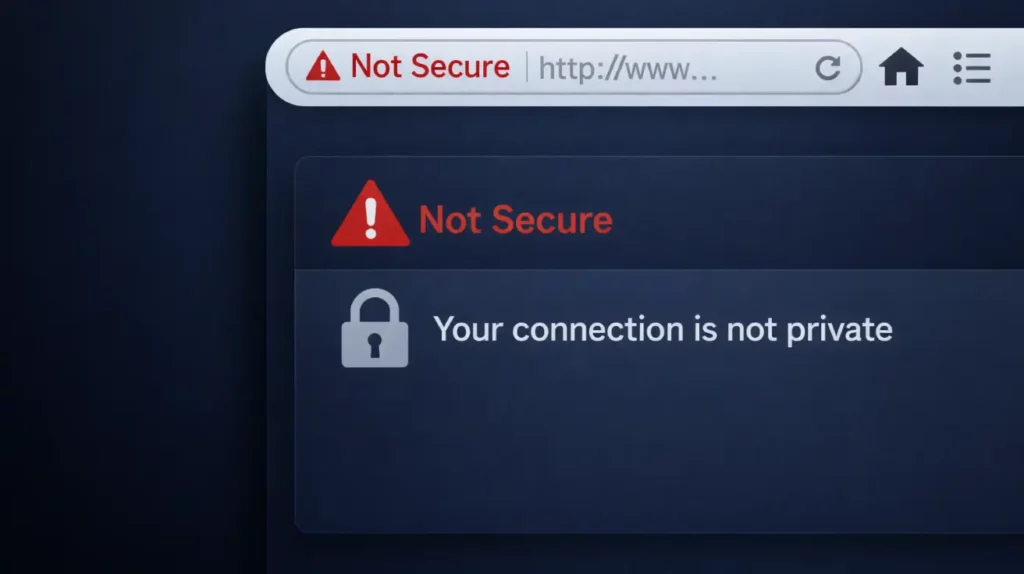
Buying an SSL certificate feels like a finish line. Pay for it, wait for it, and your site should stop scaring visitors with off-putting SSL errors. In practice, the warning doesn’t disappear until you validate the certificate and install it correctly on the server. Miss one step, and the browser will show the “Not Secure” message.
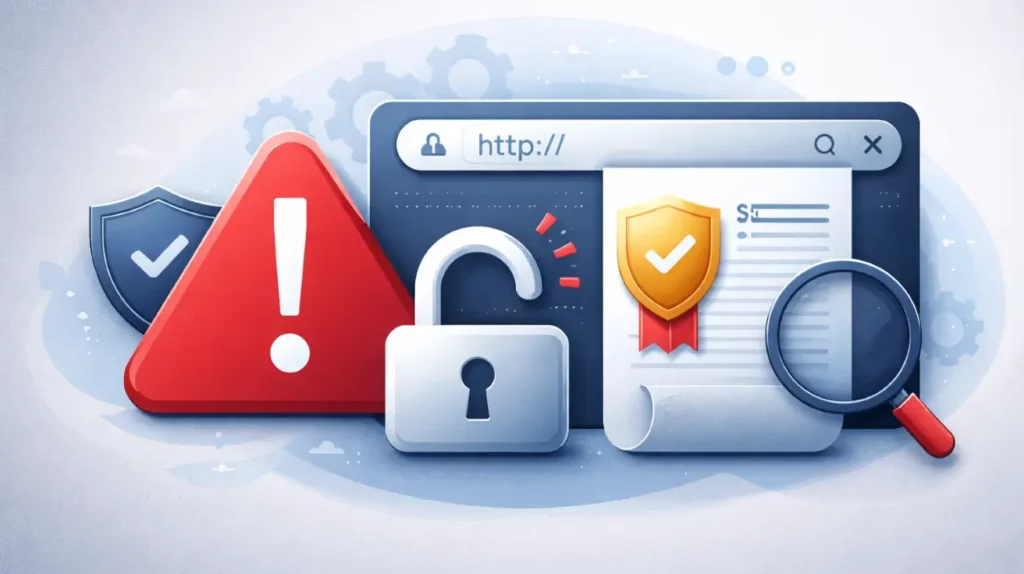
This case study follows a real support ticket, where a site owner had paid for a two-year certificate, but her visitors still saw security alerts and blocked content. The issue wasn’t a single “broken SSL” moment, but the gap between purchase, validation, and the final setup that browsers actually trust.
We’ll show how SSL Dragon’s support team guided the process from confusion to a working result, without assuming technical knowledge on the client side.
Client Snapshot
- Company: Ana Rojas Design Studio
- Industry: Creative Services / Design Portfolio
- Website Role: Portfolio + Client Acquisition Channel
- Certificate Type: Standard SSL (2-Year Term)
- Primary Challenge: Security warning remained after purchase due to incomplete validation and installation.
Key Takeaways
- Buying an SSL certificate doesn’t secure a site on its own
- Domain validation must complete before issuance
- Issuance still requires server installation
- File uploads alone don’t activate HTTPS
- Incorrect binding keeps “Not Secure” warnings active
- Guided support resolves deployment faster
Security Warnings Blocking a Business Site
Ana Rojas runs a design studio website that functions as both a portfolio and a client acquisition channel. Visitors review past work, explore services, and decide whether to start a project. If the site feels unsafe, the business behind it loses trust instantly.
When the certificate was purchased, the goal was simple. Remove browser warnings and make the site safe for visitors. Instead, the opposite happened. Clients began reporting security alerts and couldn’t access the content without overriding browser blocks.
From Ana’s side, the situation made no sense. She had paid for a two-year certificate. The order showed as active. Yet the site still displayed the same warning that appears when no SSL protection is enabled.
She opened a support ticket with SSL Dragon to investigate why a paid certificate still left her website marked “Not Secure.”
Why the Certificate Wasn’t Protecting the Site
When we reviewed the ticket, the first thing we clarified was the certificate’s actual status. It hadn’t expired or been revoked. The order itself was valid and still within its two-year term. The warning visitors saw didn’t come from a failed purchase, but from the certificate not being fully validated and deployed yet.
Ana had selected HTTP file validation during the order process. That method requires placing a small verification file in a specific folder on the website server so the certificate authority can confirm domain ownership. That’s where the process stalled.
Ana didn’t have prior experience working inside hosting directories. When she received the validation instructions, she couldn’t access the validation link or upload the file correctly. She also didn’t have access to the domain-based email addresses listed as alternative validation options, which removed the easier fallback path.
She reached out, asking how to upload the validation file and where it should reside. The instructions referenced a well-known directory, but from her perspective, that folder didn’t exist yet.
Guiding Domain Validation to Completion
With step-by-step assistance, she created the required folder path and uploaded the validation file manually. She then asked support to verify whether the file had been placed correctly before triggering revalidation.
Once the file became accessible through the public validation URL, the certificate authority completed domain verification and issued the certificate. But even after issuance, the browser warning remained.
At that stage, the case shifted from validation into installation and configuration, because having a certificate issued does not automatically secure a website until it’s properly installed on the server.
Installing the Certificate Didn’t End the Warning
Once the certificate passed validation and was issued, Ana expected the browser warning to disappear right away. From her perspective, the hardest part was over.
But browsers don’t respond to purchases or approvals. They react to what’s actually installed and configured on the server. That distinction became the next source of confusion.
After issuance, Ana checked her hosting control panel and found the SSL directories empty. She assumed the certificate should already be present there automatically. When it wasn’t, she tried to solve the problem manually by uploading files into the folders she found.
She also uploaded her private key to the SSL directory, unsure if that was the correct step.
From her point of view, she had followed the instructions as closely as she could. Yet the warning still appeared, and visitors still couldn’t access the site without bypassing security alerts.
Clarifying Where Certificates Actually Reside
The support team stepped in to explain how certificate deployment works inside a hosting environment.
They clarified that issuance does not automatically place the certificate inside the cPanel directories. The site owner must install the certificate through the hosting SSL management interface, pairing three components:
- The issued certificate file
- The private key generated during CSR creation
- The intermediate certificate chain
If any of these pieces are missing or placed incorrectly, browsers continue to display security warnings even though the certificate itself is valid.
Reviewing the Server-Side Setup
Our team walked Ana through the hosting environment step by step to confirm what had already been done and what still needed correction.
They checked:
- Whether the certificate had been installed through the SSL manager
- Whether the private key matched the certificate
- Whether the intermediate chain had been included
- Whether the domain binding pointed to the correct certificate
- This review helped rule out misplacement and mismatched key instances, which are common causes of persistent “Not Secure” warnings after issuance.
Why the Warning Still Appeared
Even after files were uploaded, the browser warning persisted because installation requires proper binding inside the server configuration, not just file placement.
Uploading certificate files into folders does not activate encryption on its own. The hosting platform must link the certificate to the domain so browsers receive the secure trust chain during connection.
Once support clarified this aspect, they guided the final installation steps through the correct interface rather than manual directory uploads.
Timeline and Resolution
Ana first reported the issue on November 14 2025, after clients began seeing security warnings and blocked access. That same day, the support team guided the domain validation process, confirmed the correct file placement, and moved the certificate to issuance. Once installation was completed through the hosting SSL manager and properly bound to the domain, the warning cleared.
The Business Impact Behind a “Not Secure” Warning
When Ana saw the warning disappear, the relief was immediate. But the deeper lesson wasn’t technical. It was commercial. A “Not Secure” label is a trust interruption that happens before a visitor reads a headline, views a portfolio piece, or fills out a contact form.
Chrome now enables its “Always Use Secure Connections” mode by default for all users. That means visitors may see a permission-style warning before accessing any public site that isn’t fully secured. Even if the content itself is harmless, the browser inserts friction.
At the same time, HTTPS has become the standard expectation. According to W3Techs, 89.1% of all websites now use HTTPS by default, and the percentage rises above 93% among the top one million sites. When nearly nine out of ten sites load securely, the ones that don’t stand out immediately.
Trust Signals Directly Affect Conversions
Security warnings don’t just feel uncomfortable. They influence behavior.
Baymard Institute’s 2025 checkout research shows an average cart abandonment rate of 70.22%, and among U.S. shoppers who abandoned a purchase, 19% cited lack of trust with credit card information as a reason.
A visible “Not Secure” label reinforces exactly that concern. Even on non-ecommerce sites, the psychological effect is similar. If a browser warns users before they interact with a business, many simply leave.
The Competitive Context Has Shifted
For Ana’s design studio, the technical gap between certificate purchase and proper installation created visible friction at the worst possible moment. Her site functioned as a portfolio and a lead funnel. Every warning dialog risked losing a prospective client before the work even spoke for itself.
Once the SSL certificate was fully validated, installed, and correctly bound to the domain, the warning cleared.
What This Case Shows About SSL Deployment
This ticket reflects a pattern our support team sees often among small business site owners managing hosting themselves.
In Ana’s case, three friction points overlapped:
- Validation instructions required server access she hadn’t used before
- Email validation wasn’t available as a fallback
- Installation required navigating hosting tools outside her comfort zone
Without guided support, those steps can stall deployment for weeks. With guided support, they resolve in hours.
Why Support Guidance Matters
Site owners don’t always manage servers daily. They run businesses first. When warnings appear, they need clarity, not documentation overload.
This case showed how direct, step-by-step assistance moves deployment forward faster than static instructions alone.
Instead of assuming technical fluency, support walked the process from validation to installation until the site loaded securely end-to-end.
Secure Your Site Without the Guesswork
SSL should end with a clean, fully secure connection, not a browser warning that leaves visitors second-guessing your site.
Whether you’re setting up your first certificate or managing renewals across multiple domains, clear guidance removes the friction. No partial installs. No mismatched keys. No last-minute panic when a warning appears. Explore our multi-year SSL certificates and get support from validation through final configuration, so your site loads securely and consistently from the start.
Save 10% on SSL Certificates when ordering from SSL Dragon today!
Fast issuance, strong encryption, 99.99% browser trust, dedicated support, and 25-day money-back guarantee. Coupon code: SAVE10