AutoInstall SSL™ Is Now Available at SSL Dragon
We’re now offering AutoInstall SSL™, a server agent that installs and renews SSL certificates without you touching them.

We’re now offering AutoInstall SSL™, a server agent that installs and renews SSL certificates without you touching them.
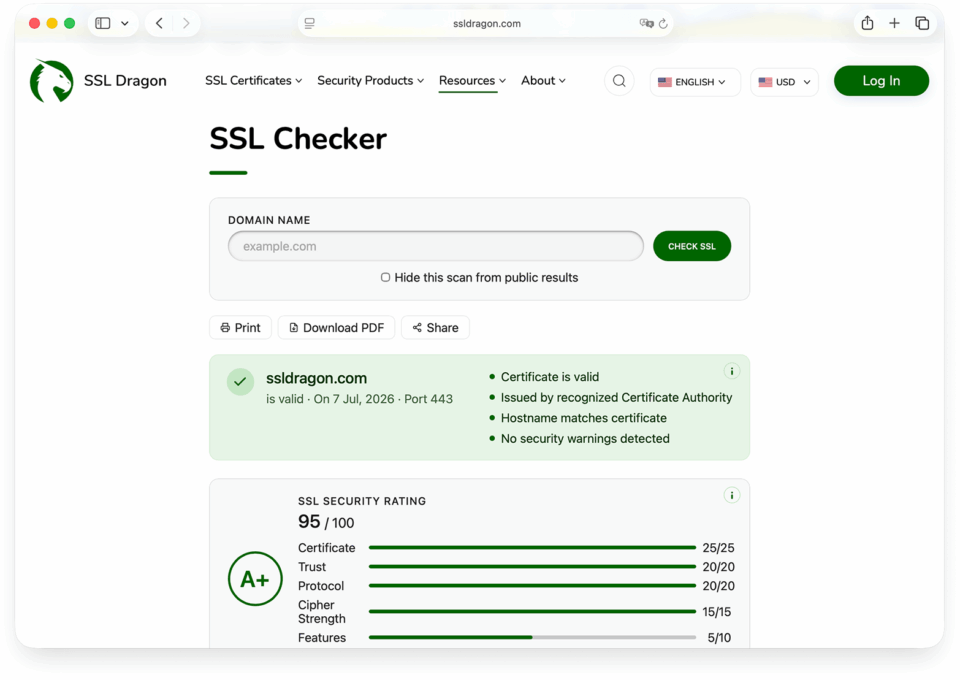
We’ve added a significant set of features to our SSL Checker. The tool still runs the same way, with no signup and no wait, but each scan now returns far more detail about your HTTPS setup. Here’s what’s new.
If you’ve ever generated a CSR, you’ve likely picked “RSA 2048” as the key type. Below is what that means: how the RSA algorithm works, a worked example you can check by hand, and which key size to choose. We also cover the September 2026 factoring records, which don’t threaten 2048-bit keys.
This guide compares PositiveSSL Wildcard vs EssentialSSL Wildcard and their single-domain versions, PositiveSSL vs EssentialSSL. All four are domain validation (DV) SSL/TLS certificates from Sectigo, formerly Comodo CA. That’s why some stores still list the wildcards as Comodo PositiveSSL Wildcard and Comodo EssentialSSL Wildcard. Others write Positive SSL and Essential SSL.
Sectigo and DigiCert are two of the largest commercial Certificate Authorities (CAs), and their prices are far apart. At SSL Dragon, a 1-year DigiCert OV certificate costs $230, while Sectigo OV SSL costs $110. Here’s what the extra money buys, and when it’s worth paying.
In this section you will find our OpenSSL guides: installing OpenSSL on Windows and on Ubuntu, checking which version you are running, generating a self-signed certificate, and checking when a certificate expires. How to Install OpenSSL on Windows Windows does not include OpenSSL, so you have to install it yourself. This guide covers picking the […]
SSL certificates have limited validity periods and must be renewed regularly to stay trusted by browsers. Public certificates issued after March 15, 2026 are limited to 200 days, with the maximum validity dropping to 100 days on March 15, 2027 and 47 days on March 15, 2029. Knowing exactly when a certificate expires helps you […]
Keeping OpenSSL up to date is essential for security and for compatibility with the software that depends on it. This guide shows you how to check your OpenSSL version on Linux, Windows, and macOS, how to read the output, and how to update to the latest release.
OpenSSL is a widely used open-source toolkit for SSL/TLS. On Ubuntu it lets you manage SSL certificates, generate keys and CSRs, and enable encrypted communication. This guide shows you how to install OpenSSL on Ubuntu (via the package manager, from source, or in Docker) and how to fix common issues.
Installing OpenSSL on Windows lets developers and administrators use its encryption tools to generate keys and CSRs, inspect certificates, and secure data. This guide shows you how to install OpenSSL on Windows, add it to your PATH, verify it, and fix the issues that most often come up.
“Your connection is not private” is not an error. It is a screen. Chrome puts it in front of roughly a dozen different failures, and the only thing that identifies yours is a short line of grey text in the middle of the page, printed in capitals and smaller than everything around it.
When Firefox blocks a page with a Secure Connection Failed screen and the code SSL_ERROR_RX_RECORD_TOO_LONG, the wording sends most people looking in the wrong direction. The message describes what Firefox measured, not what went wrong. Firefox is reporting that the data arriving from the server does not have the shape of a TLS record, and […]
Firefox blocks a page with SEC_ERROR_UNKNOWN_ISSUER when it cannot work out who issued the certificate a site presented, or cannot connect that issuer back to a root certificate it trusts. The certificate itself is often perfectly valid: issued by a real Certificate Authority, matching the domain, and nowhere near its expiry date. What failed is […]
This step-by-step guide shows you how to install an SSL/TLS certificate on VMware Horizon (Connection Server or security server). On Horizon, you do not point the product at certificate files directly. Instead, you import the certificate into the Windows local computer certificate store with the Microsoft Management Console (MMC), give it the Friendly name vdm, […]
In this tutorial, you’ll learn how to install an SSL certificate on XAMPP, the popular local Apache, MariaDB, and PHP development stack.