bg-blog-articles

Author: Dionisie Gitlan

I've been writing for SSL Dragon for over 10 years, focusing entirely on SSL certificates and digital security. My job is to take complex cybersecurity topics and strip away the jargon, making sure you get the clear, practical information you need to keep your website safe.

Articles by Dionisie Gitlan

10 SSL Incidents That Prove Certificate Automation Was Inevitable

The cybersecurity crowd loves to pitch certificate automation as some sleek, forward-thinking upgrade for the modern web. But let’s be real: we didn’t get here because everyone suddenly became proactive. We got here because the industry kept messing up. Automation isn’t a reward for good behavior; it’s an intervention. For years,we’ve seen a spectacular parade […]

Why Certificate Automation Still Has Low Adoption

Certificate automation is a solved problem. The tools exist, the CAs support them, and most IT teams understand the risk of going manual. Yet 38% of organizations still manage certificates with spreadsheets, and 70% admit they don’t have the staff to keep up. The gap between what’s available and what’s adopted isn’t a technical story. […]

Why the Post-Quantum Certificate Challenge Is Bigger Than Shorter Validity

The SSL industry already has one countdown on the wall. By 2029, the old annual renewal rhythm will be gone. Certificates will expire faster, automation will be mandatory, and businesses still running on calendar reminders will fall behind. That challenge, at least, is legible. The harder problem is not about time. It’s about visibility. Post-quantum […]

Let’s Encrypt Pauses Certificate Issuance After Internal Error

On May 8, 2026, Let’s Encrypt temporarily stopped issuing certificates after detecting an internal error in its certificate system. Existing certificates remained valid, but new requests and automated renewals were affected during the interruption. Service was later restored after Let’s Encrypt changed the affected issuance path. What Happened Inside Let’s Encrypt? The interruption traced back […]

Why The SSL Market Is No Longer Selling Encryption

If SSL certificates were only about encryption, the paid market should have collapsed by now. Basic HTTPS is everywhere. Free DV certificates protect ordinary websites. Hosting panels turn SSL into a checkbox. Browsers no longer treat encrypted pages as special; they flag unencrypted ones as broken. Yet paid SSL still exists. The market thrives because […]

Best Code Signing Certificate Providers in 2026

Picking a code signing certificate provider is harder than it should be. Four publicly-trusted Certificate Authorities cover almost every legitimate buying scenario: Sectigo, Comodo, DigiCert, and GoGetSSL. At first glance they all look similar. They issue the same X.509 certificates, follow the same CA/Browser Forum rules, and ship hardware tokens that meet the same FIPS […]

From 398 Days to 47: What the New SSL Certificate Lifetimes Mean

SSL certificate validity is changing, and the shift has already started. The industry is moving away from long-lived certificates and toward much shorter lifetimes, forcing a different approach to how you manage SSL/TLS. This is not a minor update. Reduced SSL validity increases the frequency at which you issue certificates, validate domains, and handle renewals. […]

Behind the Tickets: What Really Makes SSL Errors Difficult to Debug

SSL certificates are often treated as a set-and-forget layer of infrastructure. Once installed, browsers stay quiet, and encryption fades into the background. From a support perspective, reality looks very different. Behind routine installations sits a steady flow of tickets where certificates are technically valid, correctly deployed, and still failing in ways that aren’t immediately visible. […]

CRT vs CER File Extensions Explained

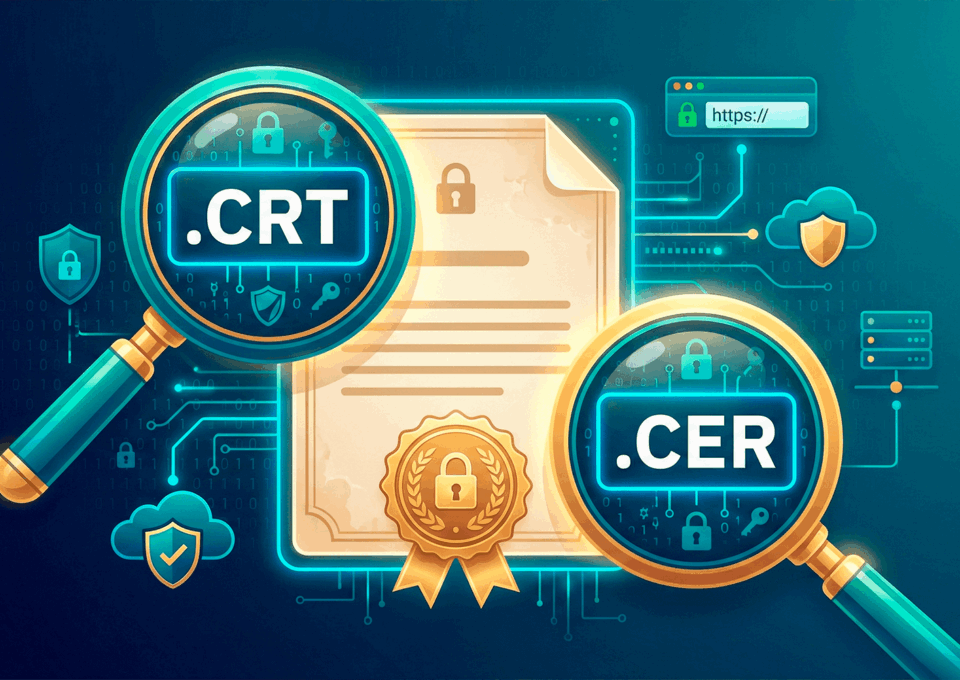
You’ve just received your SSL certificate files and notice two extensions: .crt and .cer. Your server expects one, your certificate authority (CA) sent the other. Before you start troubleshooting, here’s the short answer: both file extensions hold the same X.509 certificate data, and the difference is mostly a naming convention. But “mostly” is doing some […]

Why Multi-Certificate Environments Break TLS Mental Models

At SSL Dragon, we work with SSL certificates across a wide range of environments, from simple single-domain sites to modern stacks where TLS is deliberately spread across multiple layers. Over time, that range makes one thing clear: TLS itself is stable, but the way it’s understood hasn’t kept pace with its evolution. Today, HTTPS commonly […]

Tutorials by Dionisie Gitlan

How to Fix the NET::ERR_CERT_COMMON_NAME_INVALID Error

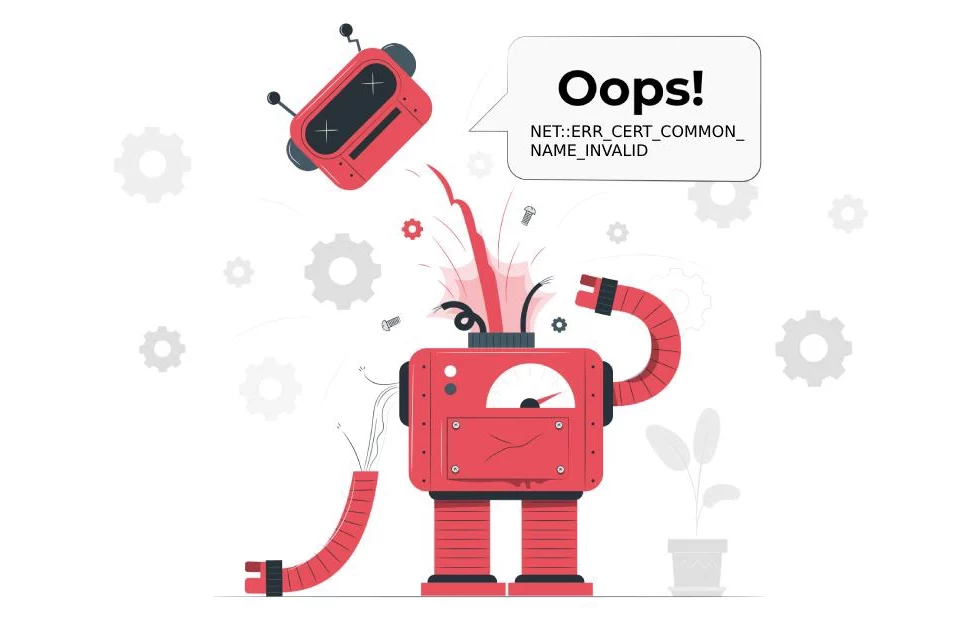
NET::ERR_CERT_COMMON_NAME_INVALID is named after a certificate field that Chrome stopped reading in 2017. The error still means what its name suggests, that the certificate a server presented was issued for a different hostname than the one in the address bar, but the field Chrome compares is no longer the Common Name. It is the subjectAltName […]

How to Fix the Cloudflare Error 525 – SSL Handshake Failed

Cloudflare’s error 525, “SSL Handshake Failed,” is one of the more confusing SSL errors to land on. The page your visitors get looks broken, yet your own server can appear perfectly healthy when you check it. The error is more specific than it first seems: it means Cloudflare reached your site’s network but could not […]

How to Fix Mixed Content Errors on an HTTPS Site

Mixed content is the odd one out among SSL problems. There is no warning page to click through, no error code to search for, and nothing wrong with your certificate. The page loads, the address bar looks normal, and yet something on it is missing: a logo that will not appear, a slider that never […]
How to Fix SSL Connection Errors on Android

An SSL connection error on Android usually looks like a full-page warning that says “Your connection is not private,” and it can appear in Chrome, inside an app’s built-in browser, or as a silent failure in a native app that simply refuses to load anything. The message is generic on purpose, so it tells you […]
How to Fix the ERR_SSL_PROTOCOL_ERROR

You open a site in Google Chrome and get a blank error page instead: “This site can’t provide a secure connection”, followed by the code ERR_SSL_PROTOCOL_ERROR. Microsoft Edge and the other Chromium browsers show the same message, because they share the same networking code. Most of the advice written about this code points in the […]

How to Generate a CSR on VMWare Horizon View

This guide shows you how to generate a CSR (Certificate Signing Request) for VMware Horizon, the platform now published as Omnissa Horizon. You create the request directly on the Windows Connection Server with tools already installed there: the Microsoft Management Console (MMC) Certificates snap-in. The private key stays on the server, and you send only […]

How to Generate a CSR on UniFi Cloud Key

This tutorial explains how to generate a CSR (Certificate Signing Request) on a Ubiquiti UniFi Cloud Key. The Cloud Key does not have a built-in CSR generator in its web interface, so you will create the CSR over SSH using OpenSSL. These steps apply to Cloud Key Gen1 and Gen2/Gen2+, as well as self-hosted UniFi […]

How to Generate a CSR on Skype for Business Server

This guide shows you how to generate a CSR (Certificate Signing Request) on Skype for Business Server. You can build the request two ways: with the graphical Certificate Wizard inside the Skype for Business Server Deployment Wizard, or with the Request-CsCertificate cmdlet in the Skype for Business Server Management Shell. Both read the names for […]

How to Generate a CSR on a MiCollab Server

This tutorial shows you how to generate a CSR on a MiCollab Server. MiCollab runs on Mitel Standard Linux (MSL), so the request is created in the MSL Server Manager, the same web admin you use for backups and licensing. There is nothing to install and nothing to type at a shell: you fill in […]
How to Generate a CSR on Kemp LoadMaster

This guide shows you how to generate a CSR (Certificate Signing Request) on a Kemp LoadMaster. You create the request in the LoadMaster WUI under Certificates & Security > Generate CSR, name the private key, fill in your organization details, then copy the CSR text and send it to your Certificate Authority. The private key […]